 BikashTech
 Keeping your ATM PIN secure is very important to protect your bank account. If you are a Punjab National Bank (PNB) customer and want to change or reset your ATM/debit card PIN, the good news is that you do not need to visit a bank branch.
In this article, we will explain how to change PNB ATM PIN step by step using different easy methods.
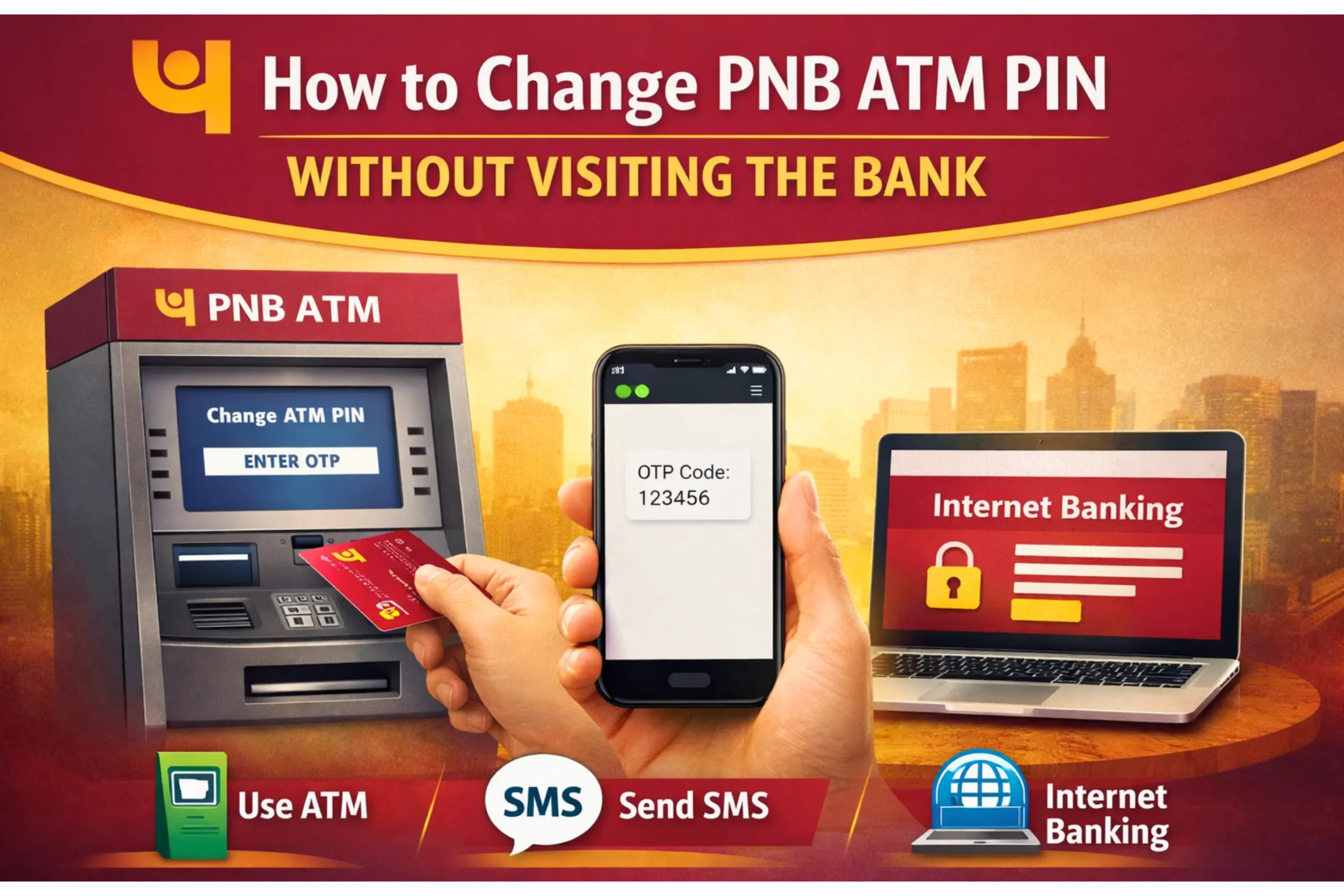
Ways to Change or Reset PNB ATM PIN
Punjab National Bank provides multiple options to change or reset your ATM PIN:
-
Through PNB ATM
-
Using PNB ONE Mobile Banking App
-
Via PNB Internet Banking
-
Using OTP (SMS-based method)
Method 1: Change PNB ATM PIN Using ATM
This method is useful if your ATM card is active and your mobile number is registered with the bank.
Steps:
-
Visit any PNB ATM
-
Insert your debit card
-
Select “Create / Change PIN”
-
Enter your ATM card number
-
Enter your date of birth or account details
-
You will receive an OTP on your registered mobile number
-
Verify the OTP and set a new ATM PIN
Your ATM PIN will be updated successfully within a few minutes.
Method 2: Reset PNB ATM PIN Using PNB ONE App
You can easily reset your ATM PIN from home using the PNB ONE Mobile Banking App.
Requirements:
-
Smartphone
-
Internet connection
-
Registered mobile number
Steps:
-
Open the PNB ONE App
-
Log in with your credentials
-
Go to Debit Card Services
-
Select Generate / Reset ATM PIN
-
Enter and verify the OTP
-
Set your new ATM PIN
This is one of the fastest and most convenient methods.
Method 3: Change PNB ATM PIN Using Internet Banking
If you use PNB Internet Banking, follow these steps:
Steps:
-
Log in to the PNB Internet Banking portal
-
Go to ATM / Debit Card Services
-
Select Generate or Change PIN
-
Verify OTP sent to your registered mobile number
-
Create a new ATM PIN
Method 4: Reset PNB ATM PIN Using OTP (SMS Method)
PNB also allows customers to generate an OTP through SMS-based verification.
-
An OTP is sent to your registered mobile number
-
You may need to visit a PNB ATM to complete the PIN creation
Note: SMS formats and availability may change as per bank guidelines.
Important Points to Remember
-
Your mobile number must be linked to your PNB account
-
Never share your ATM PIN with anyone
-
Avoid using easy PINs like 1234 or 0000
-
Always destroy ATM slips after transactions
Frequently Asked Questions (FAQs)
Can I change my PNB ATM PIN without visiting the bank?
Yes, you can change or reset your PNB ATM PIN using an ATM, mobile app, or internet banking without visiting a branch.
What if my mobile number is not registered with the bank?
You will need to visit the nearest PNB branch to update your mobile number.
How long does it take to change a PNB ATM PIN?
In most cases, the PIN is updated instantly or within 5–10 minutes.
Conclusion
Changing your PNB ATM PIN is now simple, fast, and secure. Whether you use a PNB ATM, PNB ONE App, or Internet Banking, you can reset your PIN easily without any hassle. Regularly updating your ATM PIN helps keep your bank account safe from fraud.